
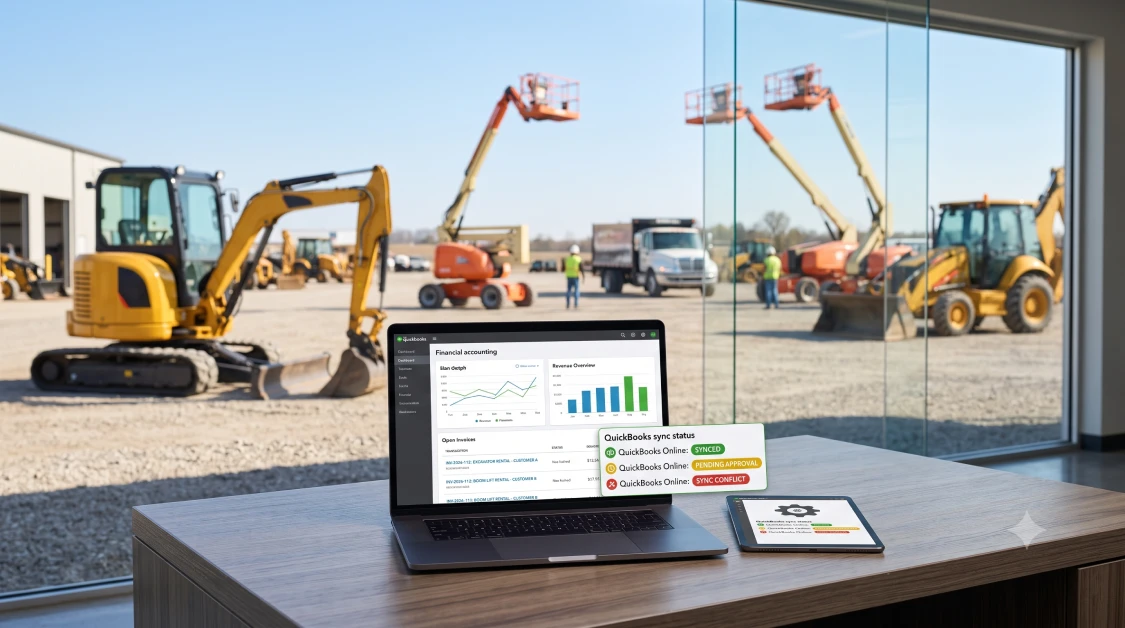
Running an equipment rental yard, tool hire shop, or commercial fleet business is a constant balancing act between keeping machines out on rent and keeping your books in order. When your front counter and your bookkeeping software live in two separate worlds, your office staff spends half their week typing the same invoice data in twice, trying to balance deposits that do not match, and chasing down unbilled machine hours. Connecting your daily counter transactions directly to QuickBooks creates a clean workflow where customer contracts, shop repair tickets, and bank balances stay lined up all day long. Here is the reality of the situation: QuickBooks is great at balancing your general ledger, but it was never designed to track serialized engine hours, manage credit card deposit holds, or tell you when an excavator needs an oil change. Hooking your yard operations up to specialized rental software solves that problem, giving your counter crew and your bookkeeper the exact same clear view of your business.
What Is QuickBooks Rental Software and How Does It Work?
QuickBooks rental software is an operational platform that links your sales counter, transport schedule, and repair shop straight to your QuickBooks company file. The software translates everyday counter activity, such as security deposit pre-authorizations, meter-hour overage charges, and repair parts tickets, into clean accounting entries that post automatically into QuickBooks Online or QuickBooks Desktop. Instead of having your office manager sit down with a tall stack of paper rental contracts on Friday afternoon, rental billing software pushes closed tickets and customer payments right into your accounts receivable as they happen.
When you look at how dedicated equipment rental software for QuickBooks keeps your business running, three practical functions do the heavy lifting:
- Real-Time Ledger Updates: Closed rental agreements, card payments, customer deposits, and counter sales post straight to your chart of accounts without anyone re-keying numbers.
- Mirrored Customer Accounts: Contractor profiles, payment terms, and tax-exempt paperwork set up at the counter match your QuickBooks records immediately, cutting out awkward billing arguments down the road.
- True Asset Cost Tracking: Purchase prices, ongoing shop repair bills, and rental income tie directly to each serialized asset, showing you exactly how much money each machine actually puts in your pocket.
For business owners who want to get rid of the friction between the gravel yard and the front office, putting specialized rental management software for QuickBooks in place ensures your general ledger always matches what is actually sitting outside on your lot.
Why Standard QuickBooks Cannot Manage Equipment Rental Operations on Its Own
Standard QuickBooks cannot manage equipment rental operations on its own because it was built for selling basic retail inventory or billing simple hourly services rather than managing machines that leave your yard and come back days later. Traditional accounting software assumes that when an item leaves your inventory, it is gone for good. Equipment rental is completely different because the same high-dollar machine goes out on dozens of jobs every year, runs up engine hours, needs routine shop service, and gets billed on changing daily, weekly, or monthly rates.
Trying to run a rental yard on bare QuickBooks without a dedicated operational engine creates several expensive headaches every single week:
- Security Deposit Chaos: Standard software has no way to place temporary authorization holds on credit cards, which leads to staff accidentally mixing liability deposits right into regular sales revenue.
- Unbilled Overtime Engine Hours: Basic accounting programs cannot talk to machine telematics to see whether a contractor ran an excavator for eight hours or fourteen hours on an overnight job, leaving unpaid wear and tear on the table.
- Complicated Long-Term Billing Cycles: Month-to-month rentals require 28-day cycle billing, split-month returns, and mid-job machine swaps that manual invoicing simply cannot keep straight.
- No Way to Track Yard Service Turns: QuickBooks knows nothing about dirty machines, wash bays, or damage walk-arounds, which leaves returned equipment sitting idle when it should be staged for the next customer.
The bottom line for your budget is clear: trying to run heavy machinery rentals on plain bookkeeping software forces your staff into endless manual workarounds, while purpose-built rental software QuickBooks integration automates complex billing rules and protects your cash flow.
How Automated Work Orders and Maintenance Workflows Protect Asset Margins
Automated work orders protect your asset profit margins by tracking replacement parts costs, shop labor hours, and mechanic notes against individual machine profiles before sending clean expense totals to your accounting ledger. When a skid steer blows a hydraulic hose on a jobsite, fixing it costs a lot more than just the price of the part. You have to account for mechanic drive time, shop labor hours, and outside vendor bills, and all of that needs to be charged against that machine’s lifetime revenue.
Connecting your repair shop to dedicated equipment fleet scheduled maintenance software changes how you handle service expenses:
Tracking Shop Parts Without the Guesswork
When your mechanic grabs fuel filters or cutting edges off the shelf, the system logs the parts right to the active work order and updates your inventory counts without anyone having to write out manual journal entries.
Spotting True Equipment Costs
Mechanics can clock their time directly on digital work orders. The software calculates your true shop labor rate, pairs it with parts costs, and shows you the exact dollar figure it takes to keep an aging machine running.
Clean Purchase Order Receiving
Connecting shop repairs with dedicated purchasing and receiving tools makes sure supplier bills for heavy parts match your receiving slips and slide straight into QuickBooks accounts payable without messy invoice surprises.
Managing Automated Recurring Billing, Payments, and Multi-Jurisdiction Tax
Managing automated recurring billing, payments, and multi-jurisdiction tax requires software that can cycle long-term contracts, store card information securely, and figure out the right local rental taxes on the fly. Equipment rentals frequently cross city lines, county borders, and state boundaries, especially when you are hauling excavators and manlifts straight to rural contractor jobsites. Every local government has its own rules for equipment leases, environmental fees, and hauling taxes that standard accounting software cannot calculate on its own.
Setting up an integrated financial technology stack takes the headache out of daily compliance:
- Hands-Off Cycle Billing: For contractors holding equipment on long-term projects, the system automatically cuts a fresh invoice every 28 days, runs the card on file, and sends the paid receipt into QuickBooks without your staff lifting a finger.
- Safe Payment Processing: Integrated card processing lets your counter crew take pre-authorization holds at check-out, charge for missing fuel upon return, and store payment details safely without running into PCI compliance trouble.
- Accurate Jobsite Tax Calculations: Connecting your software to specialized Avalara tax integration for rental calculates exact tax rates down to the specific street address of the jobsite, keeping you safe from painful audit fines.
To keep your counter running smoothly through these rules, rental operations rely on purpose-built equipment rental business software that calculates rates, damage waivers, and extra fees on the fly.
Why integraRental Offers the Best QuickBooks Rental Software
The system built by integraRental is the best QuickBooks rental software because it gives you true two-way synchronization between your busy yard operations and your QuickBooks general ledger. While basic alternatives like Company 1 offer simple online booking forms that spit out raw export files you have to paste into QuickBooks by hand, and Company 2 focuses mostly on barcode stickers without real shop billing tools, integraRental is designed from the ground up for equipment yards, tool businesses, and commercial hire operations that need dependable accounting controls.
A huge practical advantage of the platform is that it works natively with both QuickBooks Online and QuickBooks Desktop. You do not have to waste time wrestling with third-party data connectors or hire expensive programmers to build custom bridges between your programs. Customer accounts, invoice categories, tax rates, payments, and credit memos move back and forth automatically, keeping your books completely clean.
The bottom line for your budget is that integraRental gets rid of the tedious double data entry that burns out your counter staff and drives your bookkeeper crazy, giving you total financial control across every branch location.
Simple Steps to Connect Your Rental Operations Directly to QuickBooks
Connecting your rental operations directly to QuickBooks comes down to cleaning up your customer list, verifying your serial numbers, setting up your account mappings, and walking your counter staff through simple digital habits. Upgrading your accounting workflow does not mean closing your yard for a week or turning away contractors. A practical, step-by-step rollout keeps your doors open while your numbers get organized behind the scenes.
First, do a clean sweep of your records. Merge duplicate customer accounts, double-check tax-exempt certificates, and confirm that all machine serial numbers and purchase prices are recorded accurately before syncing anything.
Second, map your rental transactions to your QuickBooks chart of accounts. Set up clear income buckets for rental revenue, merchandise sales, delivery fees, and damage waivers, alongside a dedicated liability account for customer deposit holds.
Third, get your counter staff and shop mechanics comfortable with the simple daily workflows. Show your team how checking in equipment, logging meter hours, and charging out parts automatically takes care of the back-office bookkeeping without anyone ever having to type numbers into two different screens.
When you are ready to see how integrated QuickBooks rental software can clean up your books, cut out double entry, and protect your margins, schedule a personalized walk-through by requesting a rental software demo.
Frequently Asked Questions
How does rental software with QuickBooks integration eliminate double data entry?
Rental software with QuickBooks integration connects straight to your accounting file, automatically moving completed contracts, customer card payments, deposit holds, and parts bills from your counter system into QuickBooks without anyone having to re-type invoices.
How does the system manage security deposits so they do not show up as sales income?
The software places an authorization hold on the customer’s credit card or routes the deposit into a dedicated liability account in QuickBooks, keeping deposit money separate from your actual rental earnings until the machine comes back clean and the contract closes.
Can equipment rental software track overtime engine hours and add them to QuickBooks invoices?
Yes, modern equipment rental software reads live run hours from telematics boxes or counter return logs, calculates overtime charges based on your contract limits, and adds the extra usage charges right onto the final QuickBooks invoice.
Does the software work with both QuickBooks Online and QuickBooks Desktop?
Yes, platforms like integraRental connect directly to both QuickBooks Online and QuickBooks Desktop, allowing rental yards to stay on their preferred version without having to build custom database connections.
How does integrated tax software protect equipment yards from audit fines?
Integrated tax tools like Avalara pinpoint the exact delivery address of the equipment and apply the correct state, county, and city rental tax rates, ensuring every invoice follows local rules without your counter staff having to look up tax tables manually.